AI image editor
Edit images with the right AI model, not another subscription.
Remove backgrounds, upscale, inpaint, and iterate across image models from one pay-as-you-go workspace. magicdoor.ai shows per-image costs so light image editing does not turn into a stack of unused $20 subscriptions.
$6/month includes $1 credit. Editing starts at $0.012/image, and upscaling starts at $0.006/image.
What you can edit without leaving magicdoor.ai
The image workspace is built for practical edits that move a visual from rough direction to usable asset, with model selection and cost visibility in the same flow.
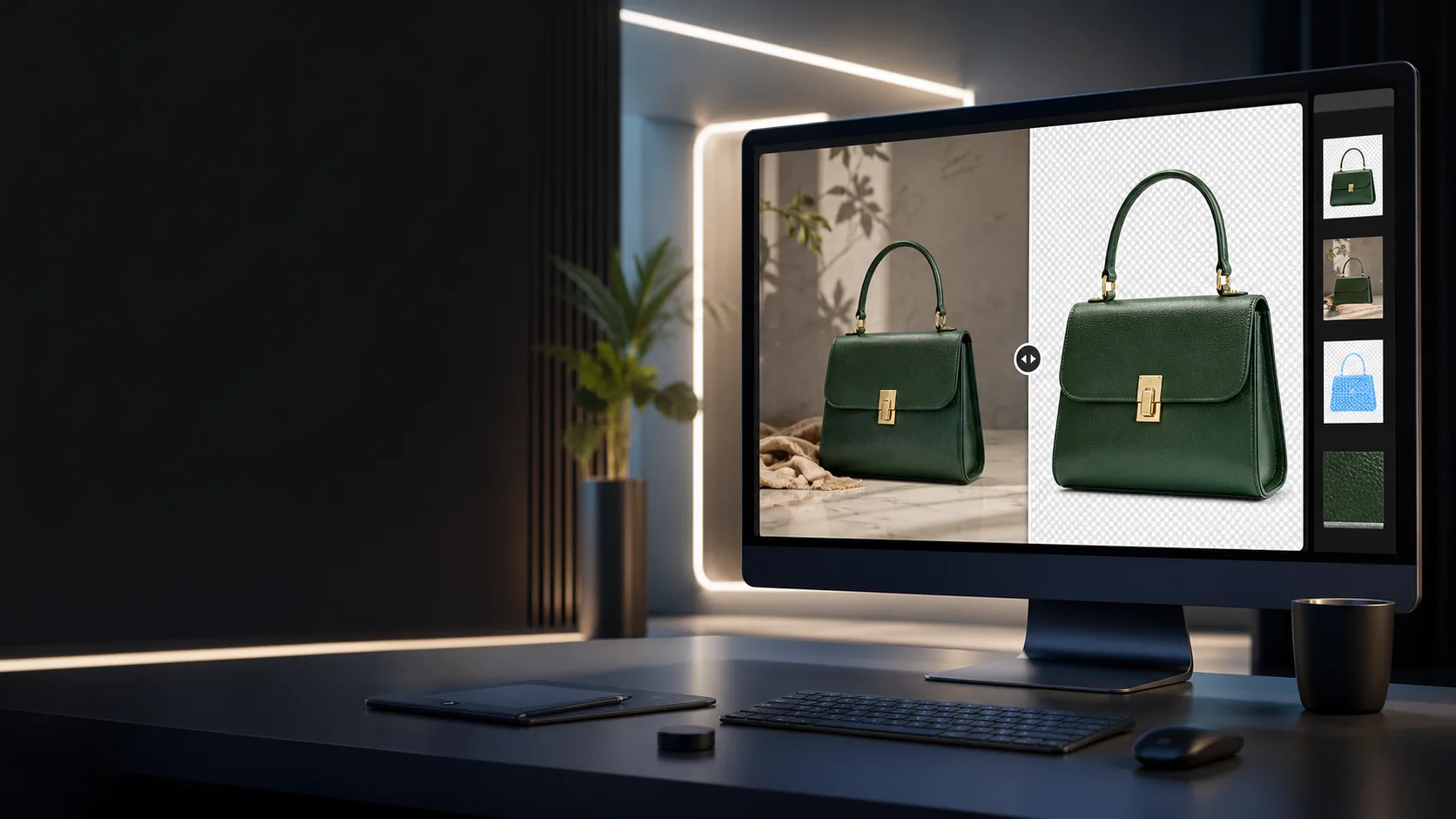
Remove backgrounds
Clean up product shots, profile images, thumbnails, and campaign assets without opening another tool.
Inpaint and revise
Upload an image, describe the change, and iterate on objects, colors, details, or composition where the model supports editing.
Upscale final images
Use the dedicated Recraft Upscaler for final polish once the creative direction is right.
Try another model
Move between supported image models when a visual needs a different style, cost point, or editing behavior.
Pick the model and cost that fit the edit
magicdoor.ai currently surfaces 8 image models, including 7 editing or upscaling paths. Use the lower-cost model when it is enough, then switch only when the image needs it.
| Model | Best fit | Support | Cost |
|---|---|---|---|
| GPT Image 2.5 Sunburst | Precision-focused image generation and editing | Editing up to 4 images | $0.012 |
| GPT Image 2.5 Flare | Faster everyday image generation and editing | Editing up to 4 images | $0.012 |
| Google Nano Banana 2 | Fast image edits and everyday iteration | Editing | $0.067 |
| Google Nano Banana Pro (2K) | 2K edits when output quality matters | Editing | $0.15 |
| Seedream 5 Pro | Low-cost image edits and cinematic direction | Editing | $0.045 |
| Flux 2 Pro | Photoreal edits and polished visuals | Editing | $0.03 |
| Recraft V4.1 | Art-directed image generation | Generation only | $0.04 |
| Recraft Upscaler | Final image upscaling | Upscaling only | $0.006 |
Editing-capable image models start at $0.012/image. Upscaling starts at $0.006/image.
Workflow
From uploaded image to final asset
magicdoor.ai already supports image editing in the image workspace. This landing page sends visitors into that flow instead of adding a second editor surface.
Upload or start from a prompt
Bring an existing image into the image workspace, or generate a new direction before editing.
Choose the model for the job
Use visible pricing and model capabilities to pick between editing, generation, and upscaling paths.
Enhance, edit, and iterate
Use prompt enhancement, inpainting, background removal, or another model pass while live cost monitoring stays visible.
Why pay-as-you-go works for image edits
Image editing is often bursty. You might clean up product photos one week, upscale a few assets the next, and spend nothing after that. Usage-based pricing keeps that visible.
| Decision point | Stacked image subscriptions | magicdoor.ai |
|---|---|---|
| Monthly commitment | Several $20 subscriptions can add up to $60-80/month | $6/month including $1 credit, then usage-based image costs |
| Image model choice | Separate accounts and provider-specific workflows | 8 current image models in one workspace |
| Cost signal | Fixed fees hide the cost of light or uneven image work | Per-image pricing is visible before you run the job |
| Editing workflow | Separate tools for edit, upscale, and background cleanup | Image editing, background removal, inpainting, and upscaling in the same image flow |
All major models in one place
Use supported image models from one workspace instead of keeping separate image-tool subscriptions active.
Live cost monitoring
See usage as you work and pay for the images you actually run.
Editing plus upscaling
Move from background cleanup and inpainting to final upscaling without changing products.
Common questions
Can I edit images on magicdoor.ai?
Yes. magicdoor.ai supports image editing workflows including inpainting, background removal, upscaling, and model-specific image edits through the existing image workspace.
How much does AI image editing cost?
magicdoor.ai is $6/month including $1 in credits, then usage-based pricing on top. Current image model costs range from $0.006 for the Recraft Upscaler to $0.50 at the highest GPT Image 2.5 quality tier. Flare and Sunburst both offer selectable $0.012-$0.50 tiers; Flare defaults to Medium at $0.047, while Sunburst defaults to High at $0.128.
Do I need separate AI image subscriptions?
No. magicdoor.ai is built around one base subscription and pay-as-you-go usage, so you can use supported image models without stacking multiple $20/month subscriptions for occasional image work.
Which image model should I use for editing?
Use the model that fits the job. GPT Image 2.5 Flare is the faster everyday OpenAI option, GPT Image 2.5 Sunburst is precision-focused, Flux 2 Pro is useful for targeted edits, and Recraft Upscaler is for upscaling.
Does the landing page add a new editor?
No. This page points visitors into the existing magicdoor.ai image workspace, where image editing already runs through the supported image models.
Start with the edit, then choose the model.
Open the magicdoor.ai image workspace for background removal, inpainting, upscaling, and model-by-model iteration with visible per-image pricing.
Already have an account? Sign in

